advice:
Best for: 4K TV owners, Alexa homes, Prime Video fans, and anyone who wants Amazon’s most capable stick.
 The box included everything I needed for a normal TV setup:
 This is the question readers ask most, so here’s the short answer.The 4K Max is faster and more future-proof, while the standard 4K is better value on a tight budget.
My advice: Sales often shrink the price gap. If the Max costs only a little more, get the Max. If the gap is wide and you just need simple 4K streaming, the standard stick is fine.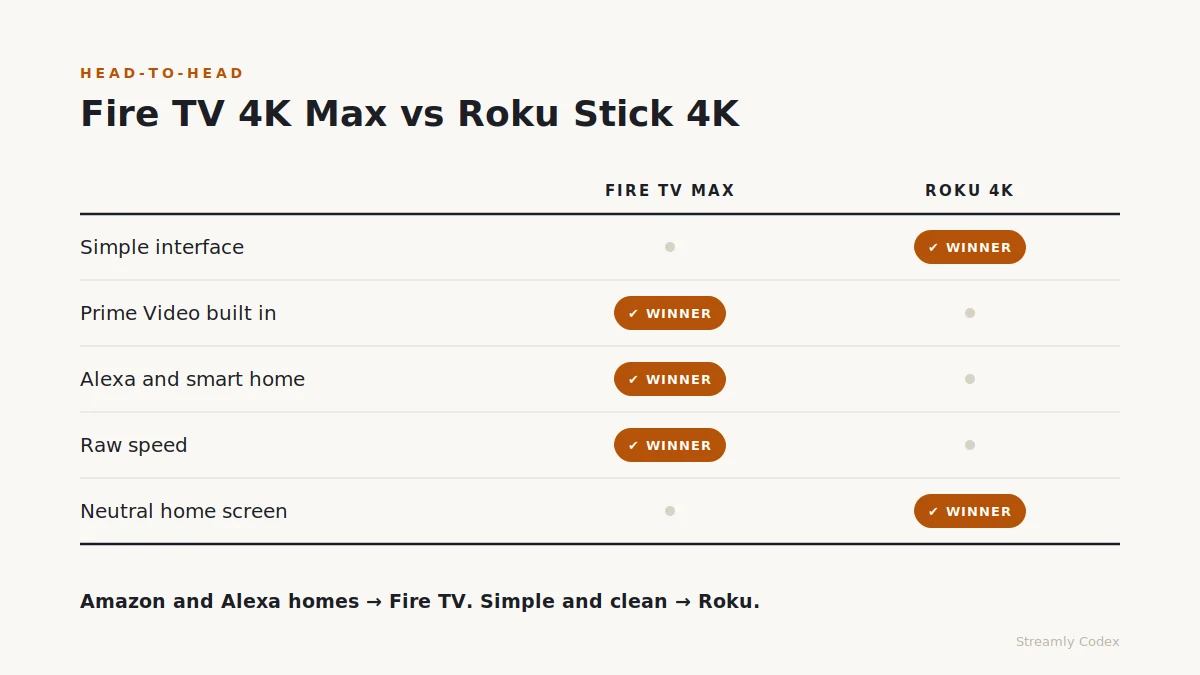 Both are great sticks; they just suit different people.
Pick the Fire TV Stick 4K Max if you use Prime Video, Alexa, or Amazon smart devices.Pick the Roku Streaming Stick 4K if you want a simple, clean menu.👉 Still torn? Read our full Fire TV vs Roku comparison.
Disclosure: This post contains affiliate links. If you buy through them, Streamly Codex may earn a small commission. It costs you nothing extra. Prices, bundles, and stock change by country, so always check the live Amazon page before you buy.
How I earn your trust: I bought this stick with my own money and tested it at home for three weeks before writing one word. No brand paid for this review or saw it early.
Introduction
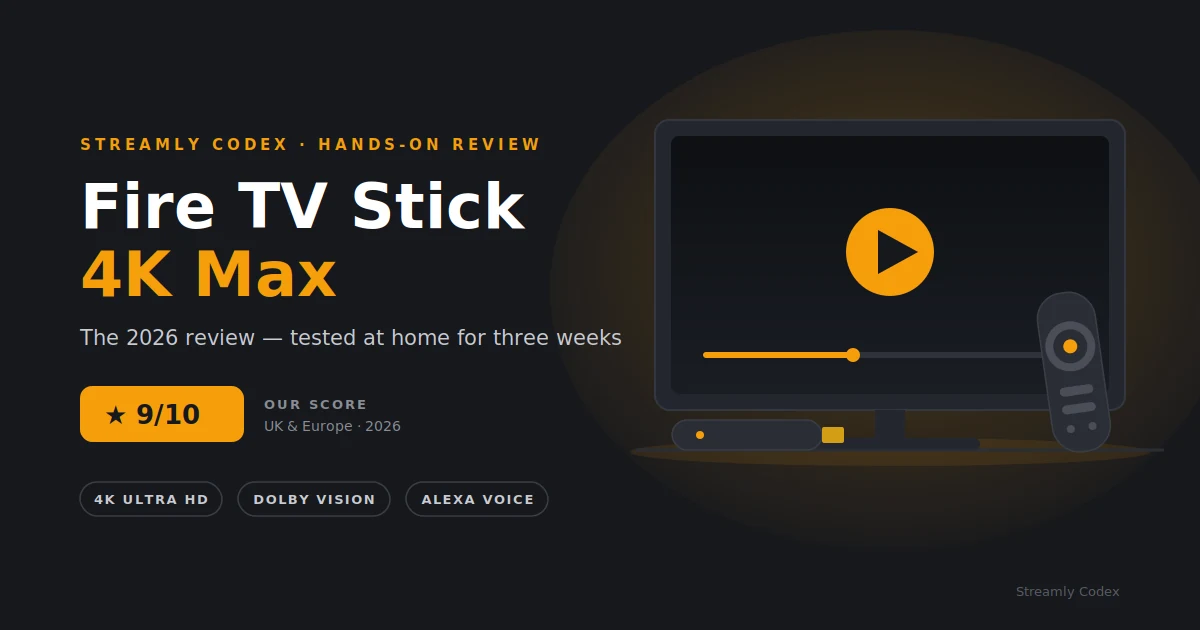
I’ve tested a lot of streaming sticks over the years. Some were slow, some froze mid-movie, and a few were genuinely great.The Fire TV Stick 4K Max is Amazon’s fastest streaming stick, and it makes big promises: smooth 4K playback, Dolby Vision, and Alexa voice control in one small device.But is it worth your money in 2026, or should you save cash and buy the standard Fire TV Stick 4K or a Roku stick instead?I used the 4K Max every day for three weeks to find out. Here’s my honest take.Quick Verdict: Should You Buy It?
Yes, buy it if you own a 4K TV. The Fire TV Stick 4K Max is fast, smooth, and easy to live with. It handles Dolby Vision and Dolby Atmos without fuss, and Alexa voice control works well. Prime Video fans will feel right at home.
Check the Fire TV Stick 4K Max Price on Amazon →Skip it if your TV is still 1080p, because you’d pay for features you can’t use. A basic stick or a Roku would suit you better.
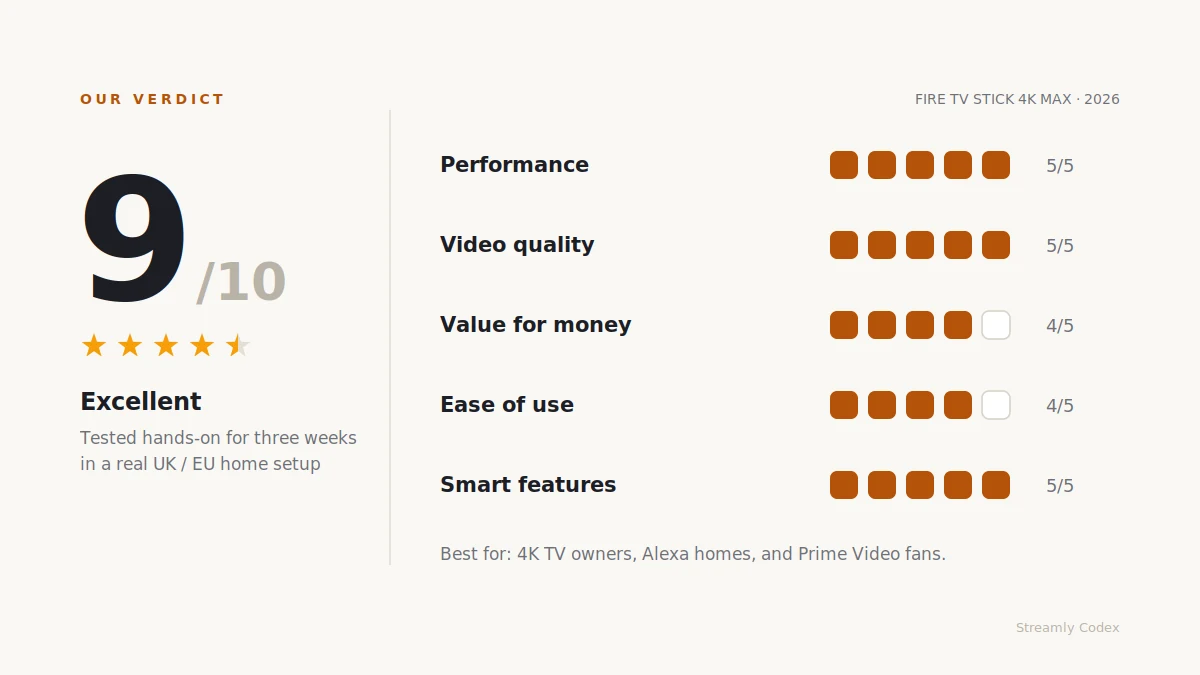
My Rating 9 / 10
| Category | Score | Why |
|---|---|---|
| Performance | 5/5 | Apps open fast, and menus stay smooth. |
| Video quality | 5/5 | 4K, Dolby Vision, HDR10+, and Dolby Atmos. |
| Value for money | 4/5 | Great on sale, but pricey at full cost. |
| Ease of use | 4/5 | Simple setup, though the home screen is busy. |
| Smart features | 5/5 | Alexa control is a real strength. |
Who Should Buy the Fire TV Stick 4K Max?
This stick is built for people who want more than basic streaming.Buy it if you:- Own a 4K TV with HDR or Dolby Vision support
- Watch Prime Video often and rent films from Amazon
- Use Alexa or Echo devices around your home
- Jump between lots of streaming apps each week
- Want a stick that will still feel fast in three years
- Only own a 1080p TV right now
- Want the cheapest streaming stick you can find
- Prefer a clean and simple menu, which is where Roku wins
- Don’t use Amazon services much
- Already love the smart TV system you have
Key Specs at a Glance (2026)
| Feature | Details |
|---|---|
| Resolution | 4K Ultra HD |
| HDR | Dolby Vision, HDR10, HDR10+, HLG |
| Audio | Dolby Atmos with compatible gear |
| Wi-Fi | Wi-Fi 6E on newer models; Wi-Fi 6 on older ones |
| Storage | Up to 16GB on newer models |
| Remote | Alexa Voice Remote |
| Smart home | Works with Alexa devices |
| Region | Sold across the UK and much of Europe |
Note: Amazon updates Fire TV models often, so check the exact generation, storage, and Wi-Fi version on the product page before you buy.
What’s in the Box?
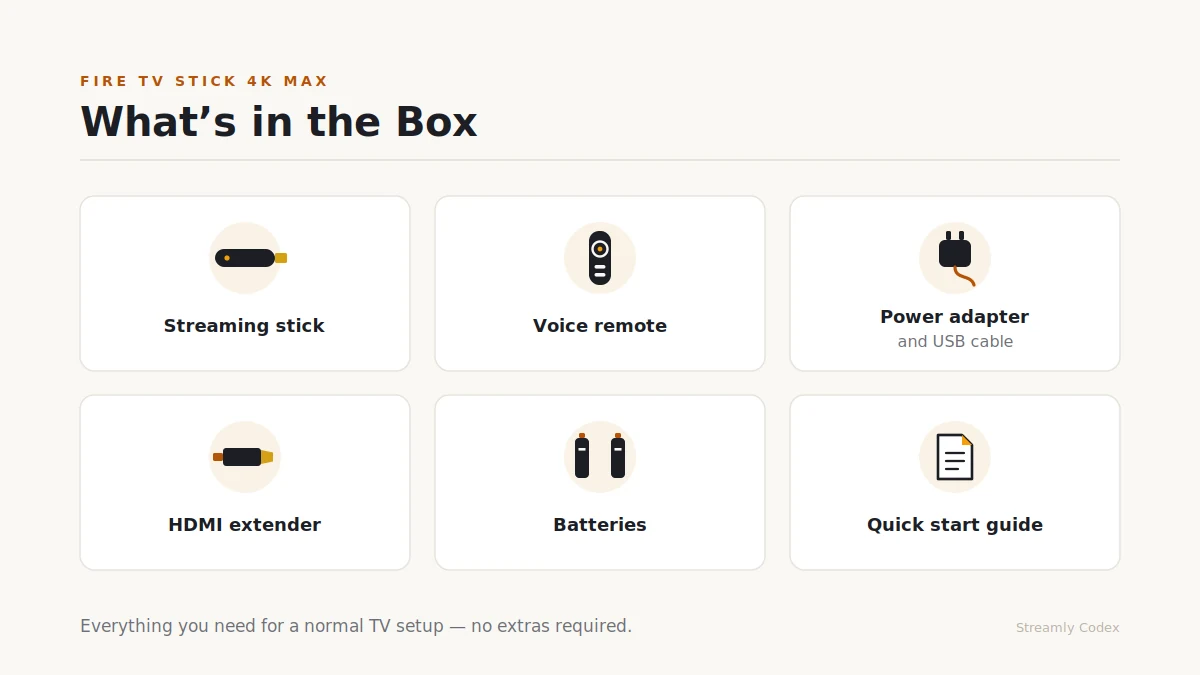
The box included everything I needed for a normal TV setup:- Fire TV Stick 4K Max
- Alexa Voice Remote
- Power adapter and USB cable
- HDMI extender
- Batteries
- Quick start guide
Performance: How Fast Is It Really?
Speed is the main reason to pick the Max over the cheaper sticks, and in my tests it delivered.Apps opened in a snap. Netflix, Prime Video, Disney+, and YouTube all loaded fast, menus never lagged, and switching between apps felt smooth every time.I also pushed it on a busy network. My test home had more than ten devices online at once, including phones, laptops, a tablet, and a few smart plugs. The Max never stuttered.Is it as powerful as an Apple TV 4K box? No, but it costs far less. For a stick this size, the speed is superb.My verdict: Excellent. This is the fastest Fire TV stick I’ve used.
Picture and Sound Quality
The 4K Max is built for premium streaming. It supports:- 4K Ultra HD
- Dolby Vision
- HDR10 and HDR10+
- Dolby Atmos sound
My verdict: Strong. Dolby Vision TV owners will get the most from this stick.
Streaming Apps in the UK and Europe
App support is a strong point, and in my testing all the big names worked well:- Amazon Prime Video
- Netflix
- Disney+
- Apple TV+
- YouTube
- Spotify
- BBC iPlayer (UK)
- ITVX (UK)
- Channel 4 (UK)
- DAZN (in supported countries)
- Rakuten TV (in supported countries)
My verdict: Excellent for mainstream streaming. Check your country’s app list if you rely on a local service.
The Interface: Fast but Busy
Here’s my main gripe. The Fire TV home screen pushes a lot of Amazon content, so expect Prime Video rows, ads, and shopping tiles.What works well:- Quick access to Prime Video
- Sharp Alexa voice search
- Easy app installs
- Smart picks if you use Amazon a lot
- Good support for rentals and live channels
- The home screen feels crowded
- Amazon promotes its own shows hard
- Roku’s layout is cleaner and calmer
Smart Home and Alexa
This is where Fire TV shines, because the Alexa remote does far more than search.During testing, I used it to:- Open apps by voice
- Find films and shows fast
- Dim my smart lights
- Check the weather
- Pause and play hands-free
My verdict: Fire TV beats Roku for Alexa homes, and it’s not close.
Fire TV Stick 4K vs 4K Max: Which One?
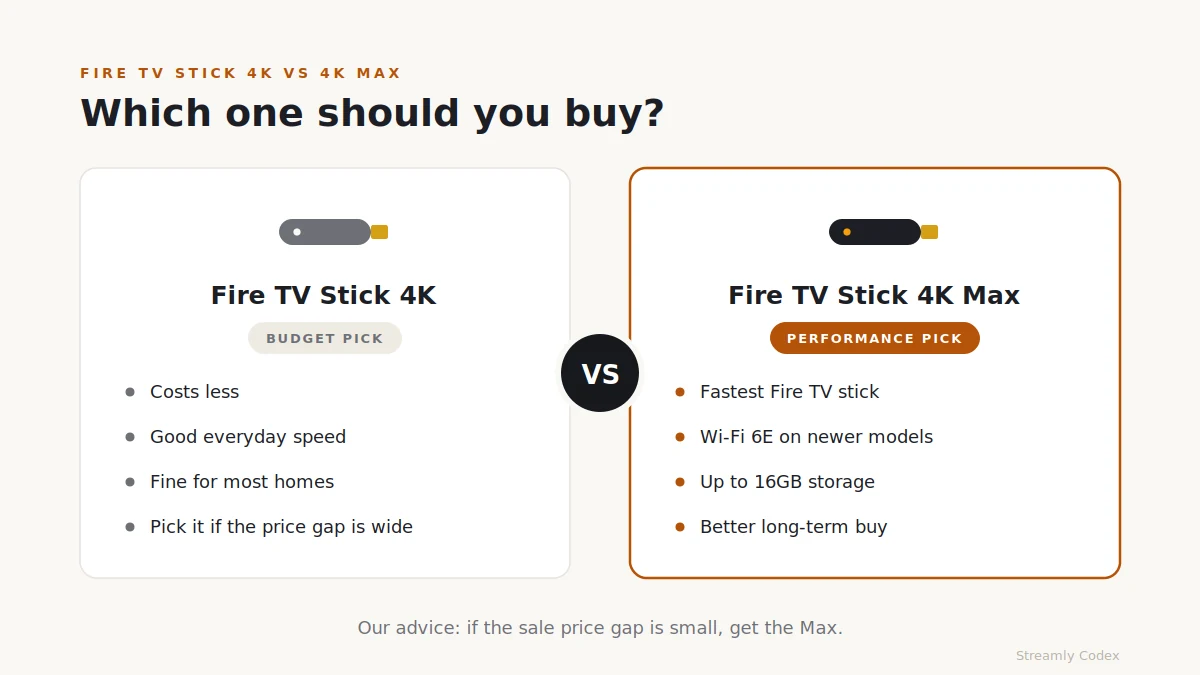
This is the question readers ask most, so here’s the short answer.The 4K Max is faster and more future-proof, while the standard 4K is better value on a tight budget.| Question | Fire TV Stick 4K | Fire TV Stick 4K Max |
|---|---|---|
| Good for basic 4K? | Yes | Yes |
| Fastest? | Good | Better |
| Busy Wi-Fi homes? | Fine for most | The safer pick |
| Best long-term buy? | If much cheaper | If the gap is small |
| Budget pick? | Yes | No |
| Power users? | No | Yes |
Want the full head-to-head with specs, Wi-Fi differences and European prices? Read our detailed Fire TV Stick 4K vs 4K Max comparison.
Want the full head-to-head with specs, Wi-Fi differences and European prices? Read our detailed Fire TV Stick 4K vs 4K Max comparison.
Compare Fire TV Stick 4K Max Deals on Amazon →Pros and Cons
✔ Pros
- Very fast performance for a streaming stick
- Superb 4K support with Dolby Vision and Atmos
- Strong Alexa voice control and smart home features
- Wide app coverage across the UK and Europe
- Better future-proofing than the cheaper Fire TV sticks
✘ Cons
- The home screen leans hard on Amazon promos
- It costs more than the basic Fire TV sticks
- The best features need a 4K HDR TV
- Some local apps vary from country to country
- Not as clean as Roku or Apple TV
Fire TV Stick 4K Max vs Roku Streaming Stick 4K
Both are great sticks; they just suit different people.| Category | Winner | Why |
|---|---|---|
| Simple interface | Roku | Cleaner and calmer layout |
| Prime Video | Fire TV | Built right into the system |
| Alexa and smart home | Fire TV | No contest for Alexa homes |
| Raw speed | Fire TV 4K Max | Feels quicker in daily use |
| Neutral home screen | Roku | Fewer ads and promos |
How I Tested This Device
I don’t review from spec sheets alone. Here’s what three weeks of real, daily use covered:- Daily streaming on a 4K HDR TV, plus checks on an older 1080p set
- Long sessions on Prime Video, Netflix, Disney+, YouTube, and BBC iPlayer
- A busy home network with more than ten connected devices
- Alexa voice search plus smart home commands
- App load times, timed against the standard Fire TV Stick 4K
- Real-world value across price, sales, and long-term use