Introduction
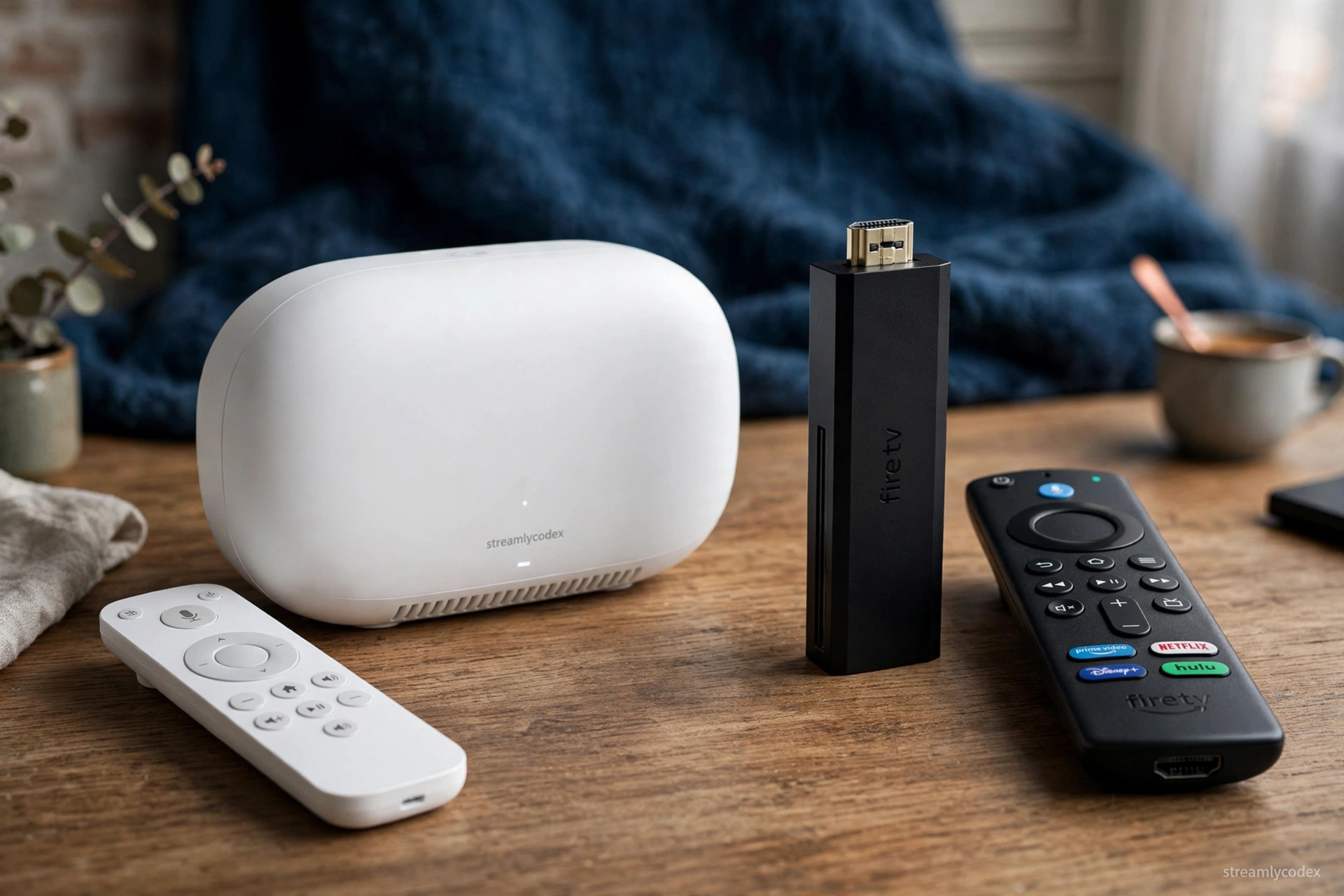
Google TV and Fire TV are the two biggest streaming platforms in Europe, and choosing between them mostly comes down to your ecosystem: Google/Android or Amazon/Alexa. In this 2026 comparison we break down the 7 differences that actually decide it — interface, ads, apps, casting, smart home, remotes and value — so you can pick the right side.
📊 Quick Comparison
The 7 differences
1. Interface and home screen
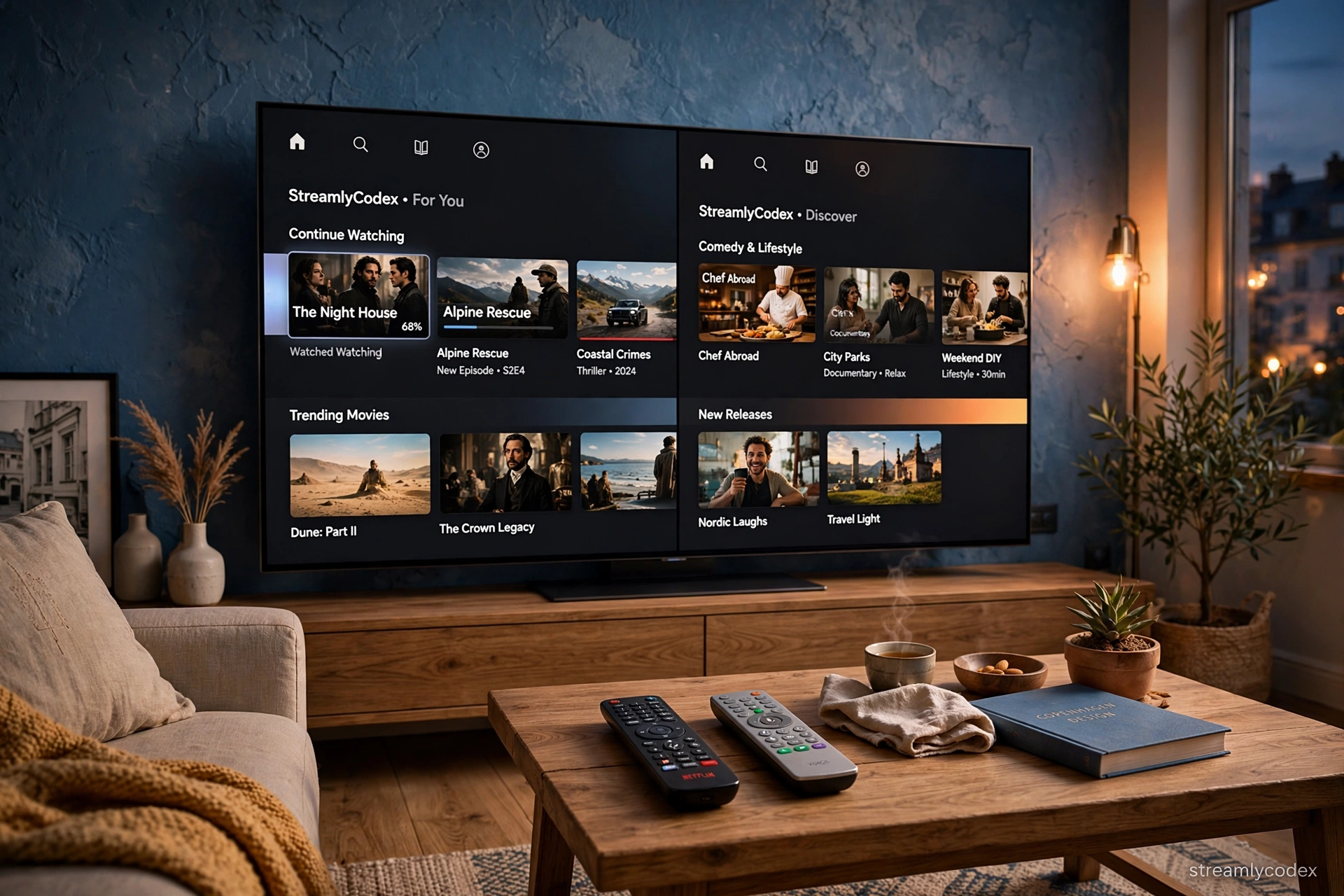
Google TV organises content across services into one For You feed. Fire TV pushes Prime Video and sponsored rows harder. If promoted content annoys you, Google TV feels calmer.
2. Ads and promotions
Fire TV’s home screen carries more Amazon advertising; Google TV is lighter, though not ad-free.
3. Casting
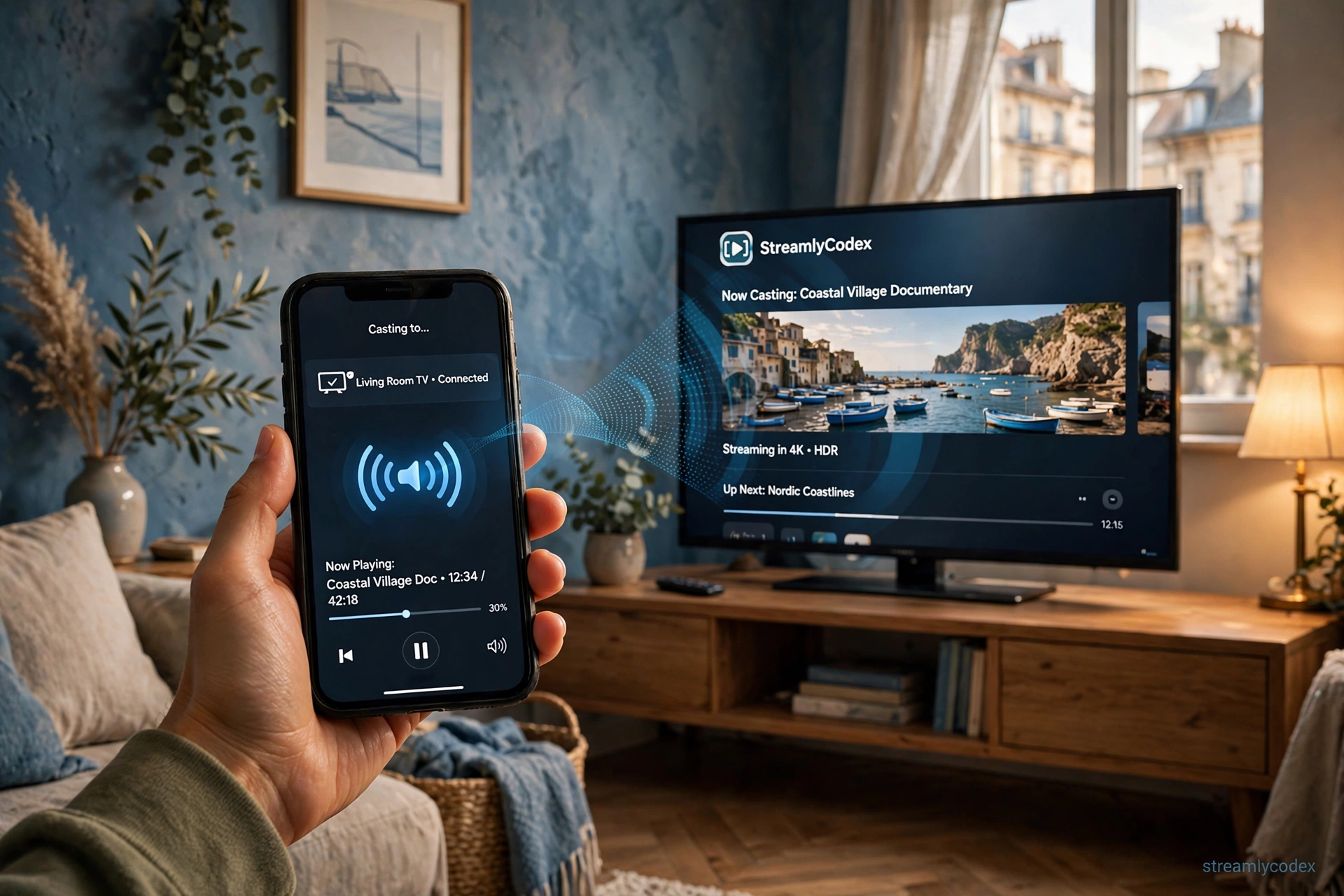
Google TV has Chromecast built in — cast from any phone app in one tap. Fire TV only does Miracast screen mirroring, which is clunkier.
4. Voice assistants
Google Assistant (moving to Gemini) is stronger for general questions; Alexa is stronger if your home already runs on Echo devices and smart-home routines.
5. Smart home control
Google TV pairs with Google Home devices; Fire TV pairs with Alexa/Echo. Match the platform to the smart speakers you own.
6. Apps and sideloading
Google Play is bigger than the Amazon Appstore, and sideloading APKs on Google TV is straightforward. On Fire TV, Fire OS models sideload fine, but the newer Vega OS models (Stick HD, 4K Select, new 4K) cannot sideload at all.
7. Remotes and hardware value
At the top end both cost about £99 (Streamer vs 4K Max). Fire TV has a deeper budget range (£59.99 to £99.99); Google TV’s range is narrower but the Streamer includes Ethernet and a Matter/Thread smart-home hub.
See Google TV Streamer on Amazon
See Fire TV Stick 4K Max
Which should you buy?
Buy Google TV if: you use an Android phone, you cast from apps daily, you prefer a calmer home screen, you want easy sideloading.
Buy Fire TV if: your home runs on Alexa/Echo, you watch a lot of Prime Video, you want the cheapest 4K stick options.