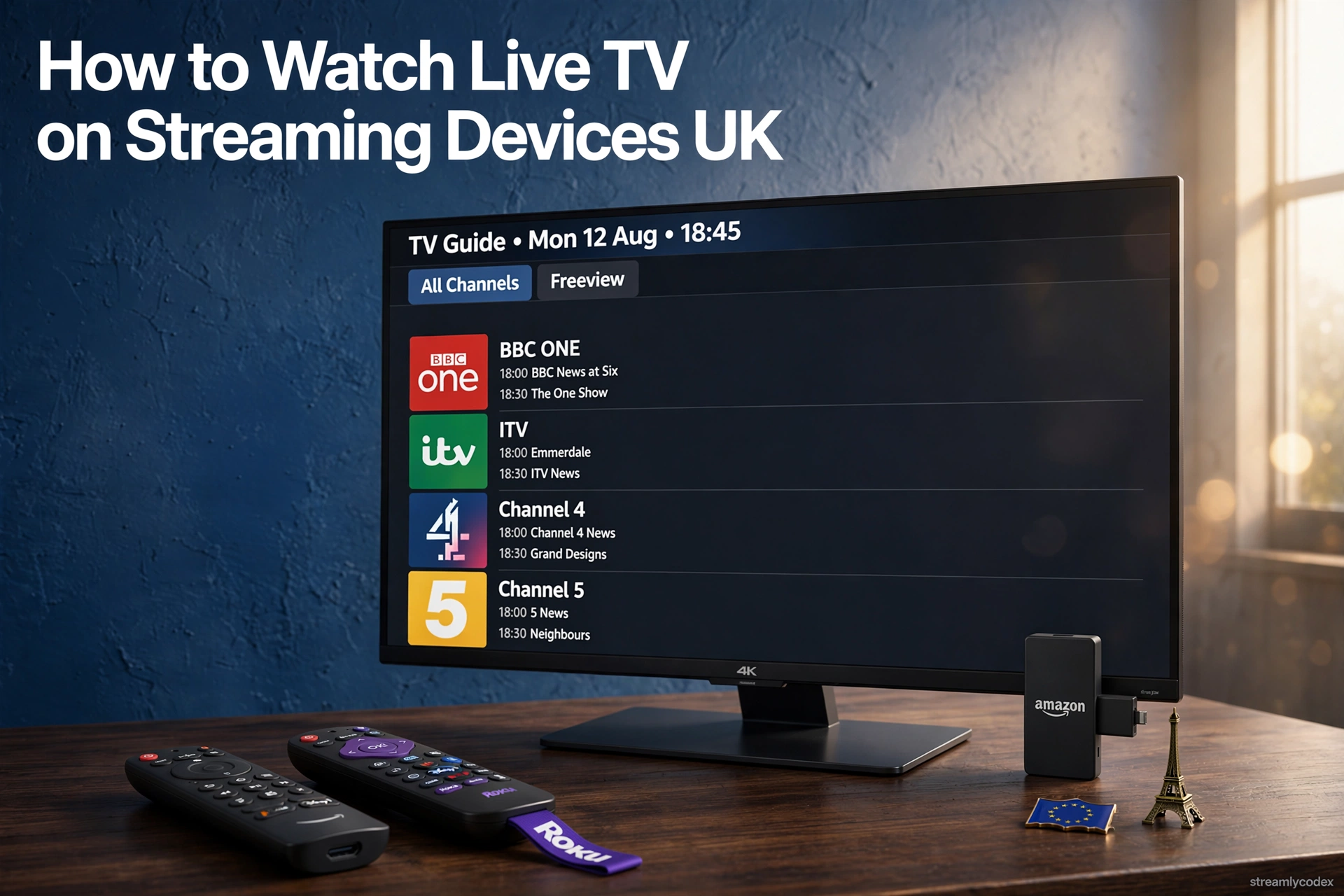
You do not need an aerial, a satellite dish or a cable contract to watch live TV any more. In the UK, a streaming stick or box connected to Wi-Fi can deliver live BBC, ITV, Channel 4 and dozens of extra channels, entirely over the internet. The only thing to know upfront: in the UK you still need a TV licence to watch live broadcasts or BBC iPlayer on any device. Here are the five legal ways to watch live TV on a streaming device, from free to flexible.
How to Watch Live TV on a Streaming Device: The 60-Second Answer
Easiest free option: Freely, the new free-TV platform from the BBC, ITV, Channel 4 and 5. It is built into newer smart TVs and comes to any TV with the Netgem Pleio box at £99, with live channels and catch-up over Wi-Fi, no aerial needed.
Cheapest overall: install the free broadcaster apps (BBC iPlayer, ITVX, Channel 4) plus Pluto TV on any £40 streaming stick. Live channels, zero monthly cost.
For Sky channels: NOW passes, no contract. Everything else on this page is free.
Freely: The New Freeview, Over Wi-Fi
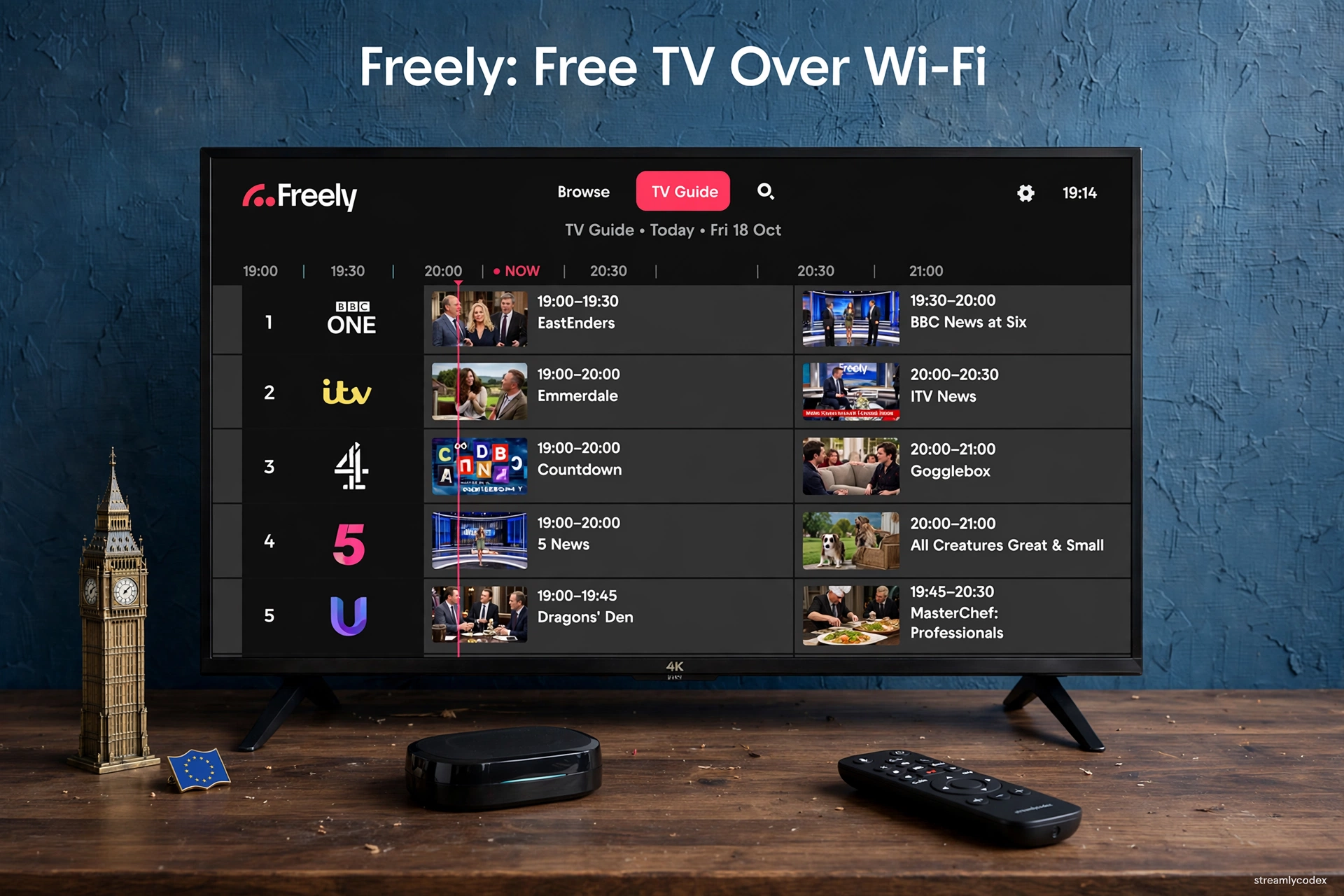
Freely is the UK broadcasters’ answer to the streaming age: BBC, ITV, Channel 4 and Channel 5 channels delivered over broadband, free, with a proper TV guide and catch-up built in. It is the official successor to the Freeview idea, minus the aerial.
- What you get: live channels from the UK’s public service broadcasters plus on-demand shows, restart-live-TV and pause, all in one interface
- How to get it: built into many smart TVs sold since 2024, or on any TV via the Netgem Pleio streaming box (about £99, a one-off payment)
- Cost: free to watch; no subscription, no aerial, no dish
- Catch: you need a decent broadband connection, and a TV licence is still required for live TV
Broadcaster Apps: iPlayer, ITVX, Channel 4
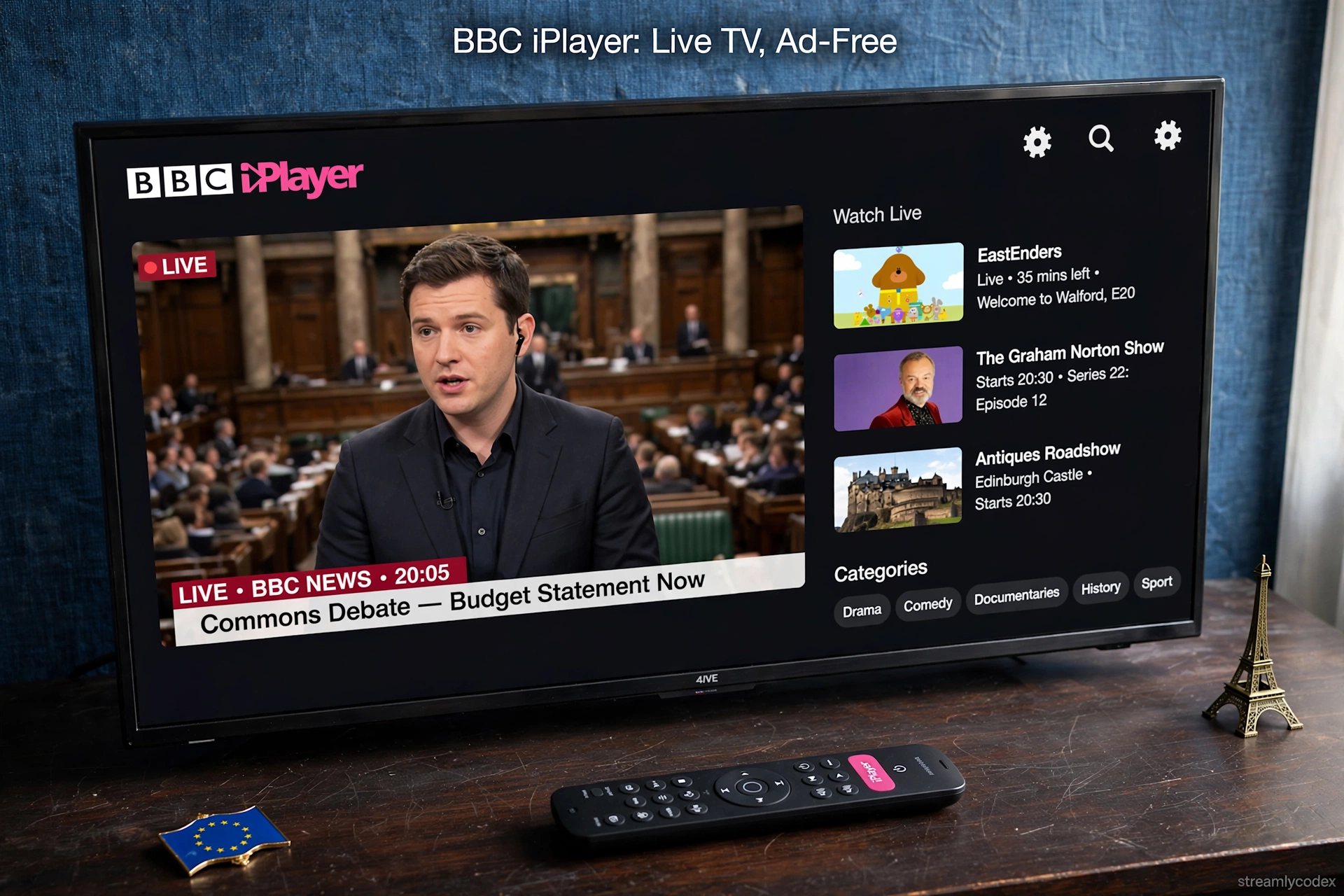
Every major UK broadcaster puts its live channels inside its free streaming app, and these apps run on Fire TV, Roku, Apple TV and Google TV. Install three apps and you have the core of British live TV covered.
- BBC iPlayer: live BBC One, BBC Two and the other BBC channels, completely ad-free. A TV licence is legally required.
- ITVX: live ITV channels plus a large free on-demand library, ad-supported on the free tier.
- Channel 4: live Channel 4 with a strong box-set archive, free with ads. Channel 5’s app (My5) and U (formerly UKTV Play) add more live channels.
Pluto TV and Plex: 150+ Extra Free Channels
Beyond the broadcasters, free ad-supported streaming TV (FAST) services add a huge pile of themed live channels: news, sport, movies, kids, documentaries and single-show channels built around series like Star Trek and CSI.
- Pluto TV: around 150 themed live channels in the UK with a cable-style guide. No account needed, just install and watch.
- Plex: hundreds of free live channels plus on-demand titles, alongside its famous personal media-server feature. A free account unlocks the best of it.
- Cost: both are free with ads, on every major streaming platform.
NOW: Sky Channels Without the Contract
If the live TV you want is Sky’s, NOW is Sky’s own streaming service, and it runs on every streaming device. Day, week and month passes cover Sky Sports, Sky Cinema and Sky Entertainment, with no contract and no dish.
- What you get: live Sky channels and on-demand box sets, the same content Sky subscribers watch
- Cost: passes from a few pounds for a day of sport; far cheaper than a Sky subscription if you watch selectively
- Catch: it is the one method on this page that is not free, and the NOW app’s picture quality can trail native Sky hardware
YouTube: Live Streams You Might Miss
YouTube is easy to overlook as a live TV source, but it carries a surprising amount of live content: 24-hour news channels, live music, creator streams, live sport highlights and even some full live events, all free.
- What you get: live news, music, creator broadcasts and events, plus a huge on-demand library
- Cost: free with ads, pre-installed on most streaming devices
- Catch: no traditional channel guide; you find live content by searching or subscribing
Watch Live TV on Streaming Devices: Methods Compared
| Method | Channels | Cost | Device support |
|---|---|---|---|
| Freely | BBC, ITV, C4, 5 + catch-up | Free (box £99 or built-in TV) | Smart TVs, Netgem Pleio box |
| Broadcaster apps | Live BBC, ITV, C4 + more | Free | Fire TV, Roku, Apple TV, Google TV |
| Pluto TV + Plex | 150+ themed channels | Free with ads | Fire TV, Roku, Apple TV, Google TV |
| NOW | Live Sky channels | Paid passes, no contract | Fire TV, Roku, Apple TV, Google TV |
| YouTube | Live news, music, events | Free with ads | Fire TV, Roku, Apple TV, Google TV |
Setup: Live TV in 10 Minutes
- Connect your stick or box to the TV’s HDMI port and to Wi-Fi (5GHz or Ethernet is best for live streams).
- Install the free apps: BBC iPlayer, ITVX, Channel 4, plus Pluto TV. On Fire TV or Google TV, find them in the app store; on Roku, in the Channel Store.
- Sign in once on each broadcaster app so live channels and watchlists work properly.
- Check your TV licence: you need one to watch live broadcasts or BBC iPlayer in the UK, on any device.
- Optional: add NOW for Sky channels, or get a Freely box if you want the full free-TV guide experience.
Watch Live TV on Streaming Devices: Your Questions Answered
Can I watch live TV on a Fire TV Stick without an aerial?
Yes. BBC iPlayer, ITVX, Channel 4 and Pluto TV all stream live channels over Wi-Fi on the Fire TV Stick. No aerial is needed for any of them.
Do I need a TV licence to watch live TV on a streaming device?
Yes. In the UK you need a TV licence to watch live broadcasts on any device, and to use BBC iPlayer at all. This applies to streaming sticks, phones and laptops just as it does to a TV with an aerial.
What is Freely and how is it different from Freeview?
Freely is the broadcasters’ streaming successor to Freeview: the same free channels delivered over broadband instead of an aerial. It is built into newer smart TVs and available on any TV via the Netgem Pleio box.
Which free app has the most live channels?
Pluto TV, with around 150 themed live channels in the UK. For the main broadcasters, the BBC iPlayer, ITVX and Channel 4 apps carry their live channels.
Can I watch Sky Sports live on a streaming stick?
Yes, through NOW Sports passes in the NOW app, with no Sky contract. It works on Fire TV, Roku, Apple TV and Google TV.
Is it legal to watch live TV through these apps?
Yes. Every method in this guide uses licensed, legitimate services. Avoid any app or service promising premium channels for free: those are unlicensed and illegal.
Why does live TV buffer on my stick?
Usually Wi-Fi. Live streams need a steady connection, so use the 5GHz band or Ethernet, keep the router close, and close background apps on the device.
Can I record live TV on a streaming stick?
Most sticks cannot record, but you rarely need to: the broadcaster apps keep programmes available on demand after broadcast, and Freely lets you restart live TV.
Related Guides
- What Is Google TV? Beginner’s Guide
- Best Free Streaming Apps on Roku (UK)
- Sky Stream vs Fire TV Stick (UK)
- Best Budget Streaming Device UK
Final Verdict: Live TV Without the Aerial
Start with the free broadcaster apps on the stick you already own: iPlayer, ITVX, Channel 4 and Pluto TV. That combination covers the great majority of UK live viewing for nothing.
If you want the full lean-back free-TV experience with a proper guide, Freely (built into a new TV or via the £99 Pleio box) is the future-proof choice. And for Sky’s channels, NOW passes keep you contract-free.
My final word: the aerial had a good fifty-year run, but the licence is the only part of old TV that survives. Everything else now fits in an app.