“What is Google TV?” is one of the most searched streaming questions, and the answer confuses people: Google TV is not a TV, not an app, and not quite an operating system either. It is Google’s smart TV interface, and if you have bought a TV or streamer in the last few years, you may already be using it. This beginner’s guide explains what Google TV is, how it differs from Android TV, and whether it is right for you.
What Is Google TV? The 60-Second Answer
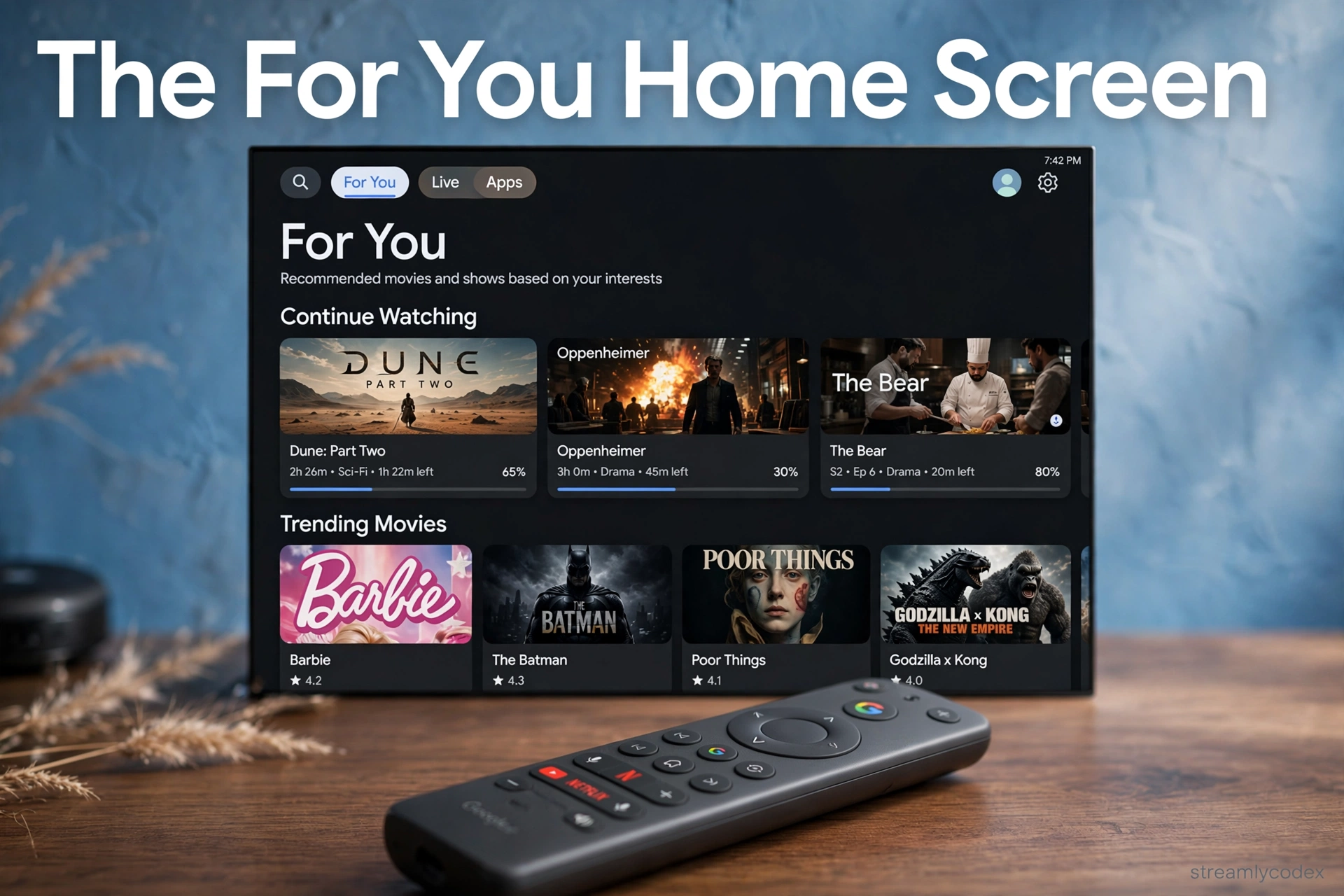
Google TV is Google’s smart TV interface, built on top of Android TV. Same apps, same Play Store: but instead of an app grid, you get a content-first home screen that recommends shows and movies across all your services.
Think of it this way: Android TV shows you your apps. Google TV shows you what to watch.
Should you care? If you are buying a new TV or streamer in 2026, Google TV is the platform Google is actively developing. Choose it over old Android TV when you have the option.
What Is Google TV, Exactly?
Google TV is a user interface layer that runs on top of the Android TV operating system. Google built it to solve “app fatigue”: the endless scrolling through Netflix, then Disney+, then Prime, looking for something to watch.
Instead, Google TV’s home screen pulls content from all your apps into one place:
- For You tab: personalised recommendations drawn from every service you use
- Continue Watching: pick up shows and movies exactly where you left off, whatever app they are in
- Watchlist: save anything to a single list synced to your Google account, accessible from your phone too
- Movies and Shows tabs: browse by category across services, not inside them
The interface learns what you like and gets better at suggesting things. It is the difference between a video shop organised by studio and one organised by a friend who knows your taste.
Google TV vs Android TV: What’s the Difference?
This is the number one point of confusion, so let me be clear: Google TV is not a rival to Android TV. It is the newer version of it.
| Android TV | Google TV | |
|---|---|---|
| What it is | The base operating system | An interface on top of Android TV |
| Home screen | Grid of apps | Content recommendations |
| Recommendations | Limited, per-app | Across all apps, personalised |
| Apps / Play Store | Same | Same |
| Google Cast | Built in | Built in |
| Google Assistant | Yes | Yes |
| Development | Older, less active | Google’s current focus |
Bottom line: both run the same apps. Google TV just presents them better. When buying new, pick Google TV. But do not pay a premium for it over a discounted Android TV: the apps are identical.
Google TV: Key Features for Beginners
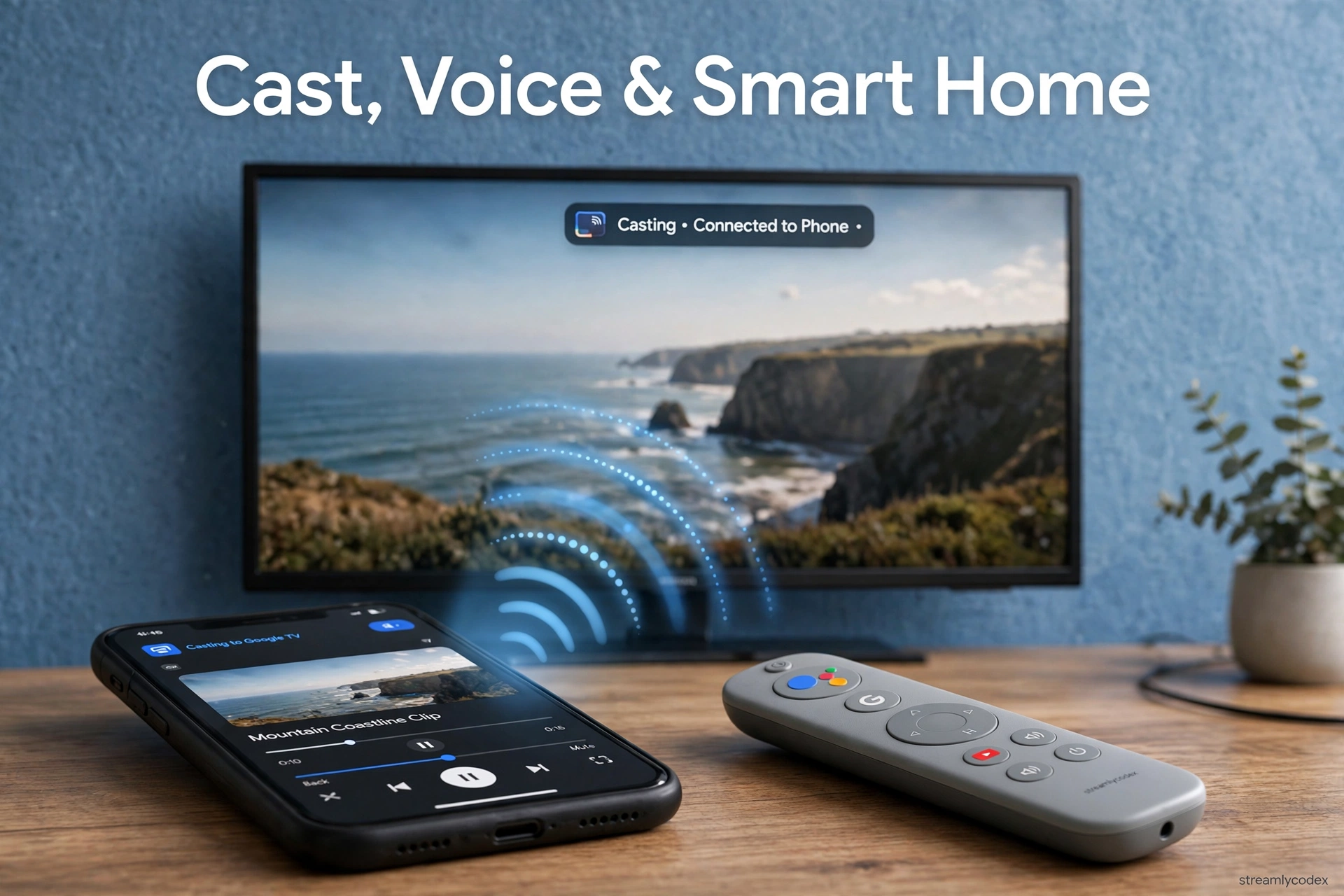
- Google Cast built in: tap the cast button on your phone and video appears on the TV. The smoothest casting on earth, and it works from iPhone apps too.
- Google Assistant voice search: hold the mic button and ask for shows, actors, genres, or smart-home controls.
- Google Home integration: see cameras, dim lights and adjust thermostats from the TV.
- Kids profiles: managed profiles with parental controls and screen-time limits.
- Free channels: Google TV includes free ad-supported live channels, no subscription needed.
- Companion app: the Google TV mobile app (Android and iOS) doubles as a remote and lets you build your watchlist on the go.
Which Devices Have Google TV?
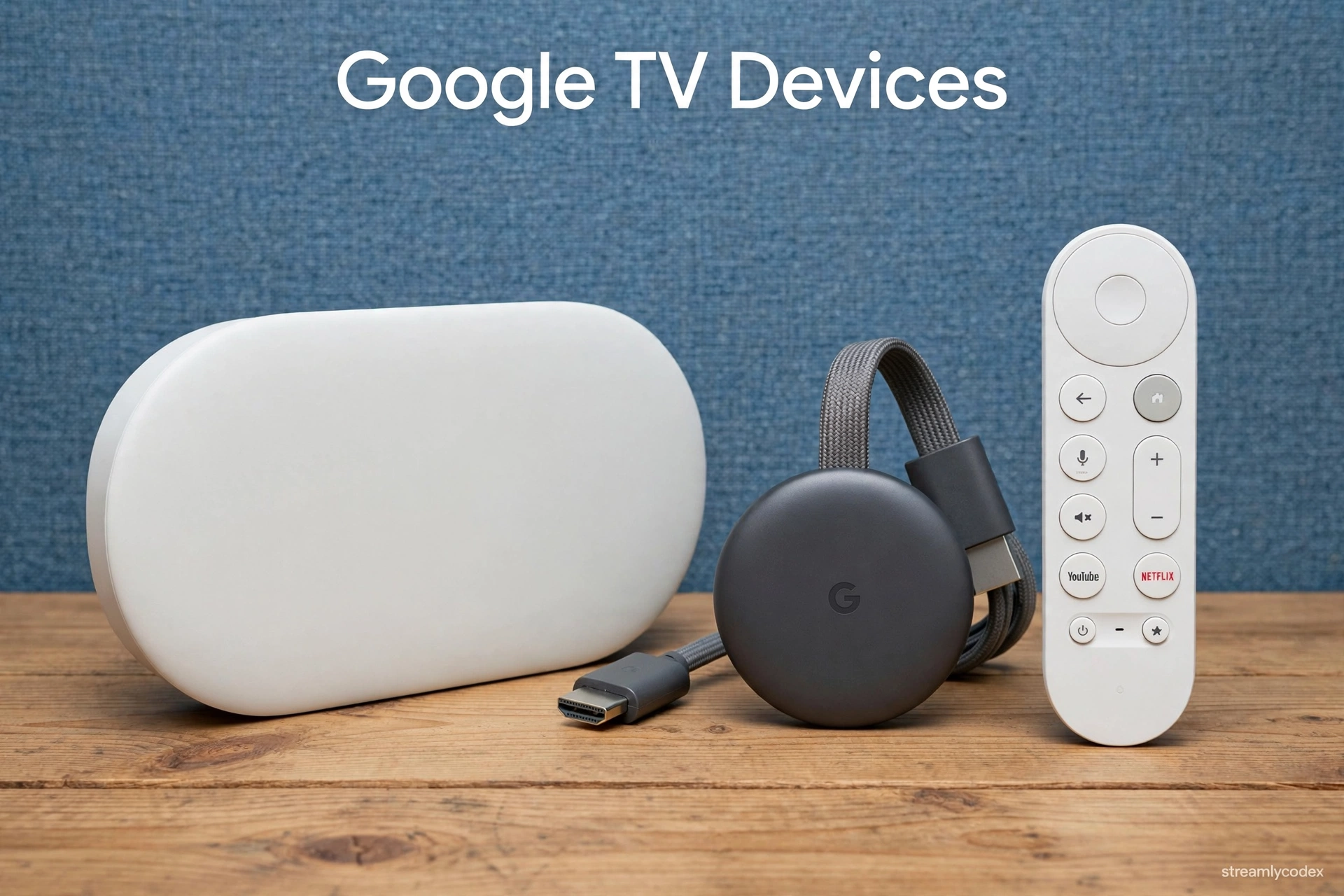
- Smart TVs: Sony, TCL, Hisense, Philips and others ship TVs with Google TV built in
- Google TV Streamer (£99): Google’s own 4K box with Ethernet and a Thread smart-home hub. See my Google TV Streamer review.
- Chromecast with Google TV (discontinued): the old £59.99 dongle. Still works if you own one; see my Chromecast review.
- Third-party dongles: budget options like the Thomson Go Cast 150 (~£43) bring Google TV to any TV cheaply.
Setting Up Google TV: The Basics
- Connect and power: plug the device into HDMI and power, select the right TV input
- Sign in with Google: you need a Google account. Everything (watchlist, recommendations, purchases) ties to it
- Connect Wi-Fi: join your home network. 5GHz is better for 4K if your router is close
- Install your apps: open the Play Store and grab Netflix, iPlayer, Disney+ and the rest
- Build your watchlist: long-press anything to save it. Your For You recommendations improve as you watch
Google TV vs The Rivals
| Google TV | Fire TV | Roku | Apple tvOS | |
|---|---|---|---|---|
| Interface style | Content recommendations | Content + Amazon push | Simple app grid | Polished app grid |
| Casting | Google Cast (best) | Miracast | AirPlay / Miracast | AirPlay 2 (best for iPhone) |
| Voice | Google Assistant | Alexa | Roku Voice | Siri |
| App selection | Huge (Play Store) | Huge | Huge | Huge |
| Best for | Android users, casters | Prime / Alexa homes | Simplicity seekers | iPhone households |
Full head-to-head: Apple TV vs Google TV.
Google TV in Europe: What to Know
- Availability: Google TV is standard on Sony, TCL, Hisense and Philips TVs sold across the UK and EU.
- Apps: the full UK catch-up lineup (iPlayer, ITVX, Channel 4, My5) is available. YouTube integration is the best of any platform, naturally.
- Languages: Google Assistant supports more European languages for voice than most rivals.
- Prices: from ~£43 for a third-party dongle to £99 for Google’s own Streamer box.
What Is Google TV? Your Questions Answered
Is Google TV the same as Android TV?
Not quite. Google TV is an interface built on top of Android TV. Same apps and Play Store, but Google TV replaces the app grid with a content-first home screen full of recommendations.
Is Google TV free?
Yes. It is the software on your TV or streaming device. You only pay for the device itself and for any subscriptions (Netflix, Disney+) you choose.
Do I need a Google account for Google TV?
Yes. Recommendations, watchlist sync and purchases all tie to your Google account. You can use it without one, but you lose the best features.
What happened to Chromecast?
Google discontinued the Chromecast dongles in favour of the Google TV Streamer box (£99). Budget dongles from other brands now fill the gap. See my Chromecast review if you still own one.
Can I cast from iPhone to Google TV?
Yes. Apps like YouTube and Netflix support Google Cast from iPhone. You will not get AirPlay screen mirroring, but in-app casting works fine.
Is Google TV better than Fire TV?
Different strengths. Google TV is better at content discovery and casting; Fire TV is better for Alexa households and app flexibility. Android phone? Google TV. Alexa smart home? Fire TV.
Does Google TV have all UK catch-up apps?
Yes: iPlayer, ITVX, Channel 4 and My5 are all available on Google TV devices sold in the UK.
Which is the cheapest Google TV device?
Third-party dongles like the Thomson Go Cast 150 at around £43. Google’s own Streamer box costs £99. See my budget streaming guide.
Related Guides
- 👉 Google TV Streamer Review
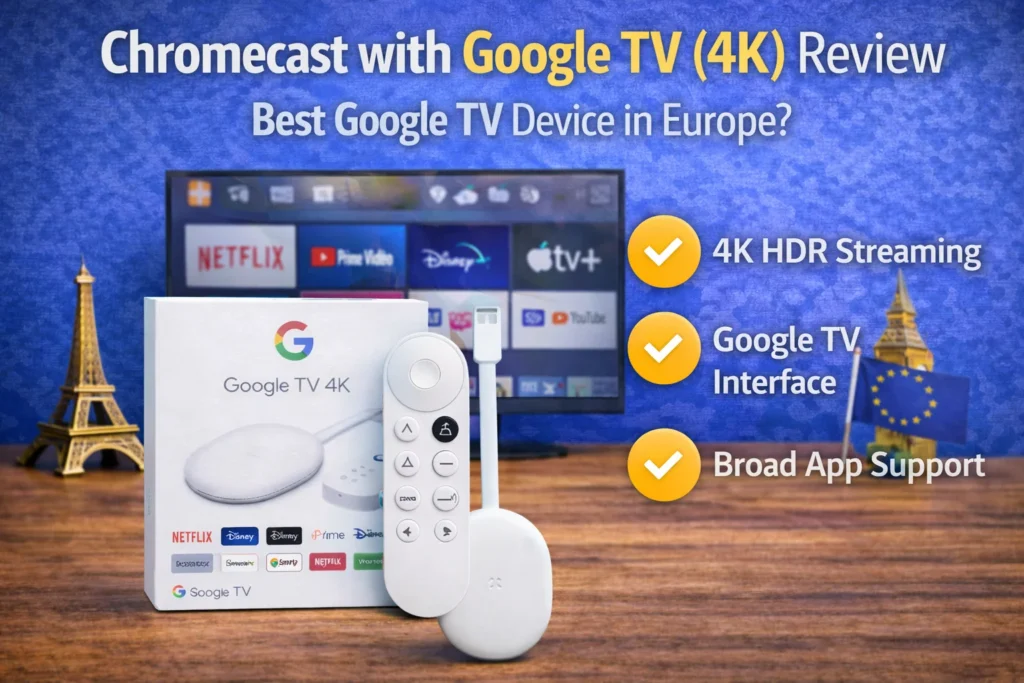
- 👉 Chromecast with Google TV 4K Review
- 👉 Apple TV vs Google TV: Full Comparison
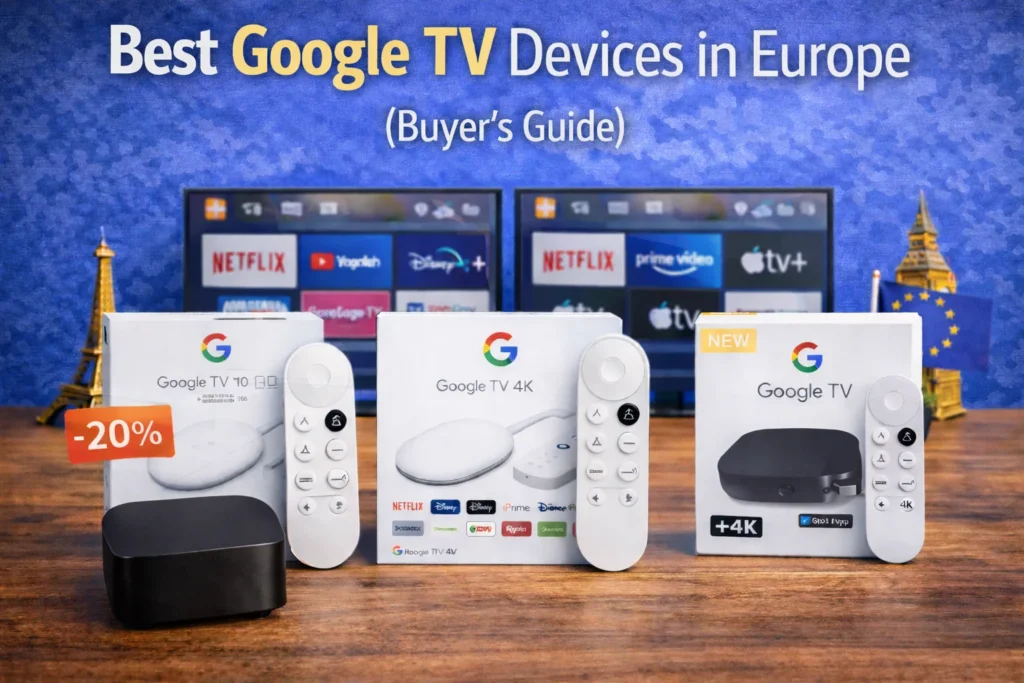
- 👉 Best Google TV Devices in Europe
- 👉 Best Budget Streaming Device UK
Final Word: What Is Google TV?
Google TV is Google’s answer to “what should I watch tonight?” Instead of making you hunt through apps, it brings the content to you: recommendations, continue watching, and one watchlist across everything.
If you are an Android user who casts from your phone, it is the most natural streaming platform in the world. And in 2026, it is the platform Google is building its future on.