Table of Contents
ToggleIntroduction
Setting up a Fire TV device in Europe is quick and simple — but there are a few important details to get right, especially regarding region settings, Wi-Fi connection, and app availability.
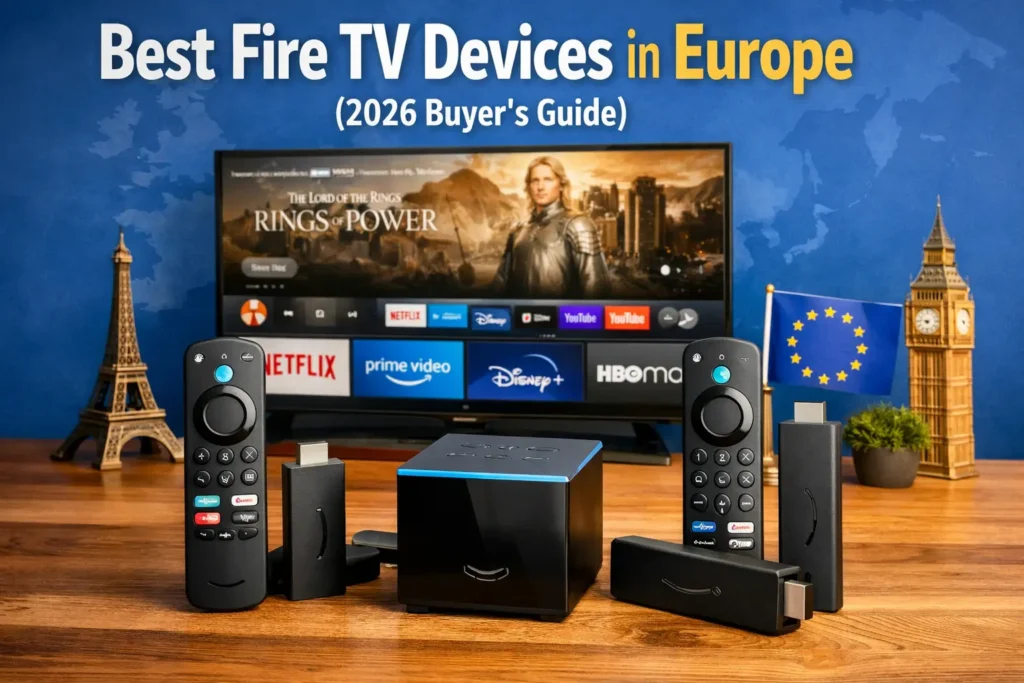
Whether you’ve purchased the Fire TV Stick Lite, Fire TV Stick 4K, Fire TV Stick 4K Max, or Fire TV Cube, this step-by-step guide will help you complete setup correctly in the UK or any EU country.
Most users finish setup in under 15 minutes.
📦 What You Need Before Setup
Before you begin, make sure you have:
Fire TV device
HDMI-compatible TV
Stable Wi-Fi connection
Amazon account
Power outlet
If your TV supports 4K HDR, use an HDMI port labeled “4K” or “HDMI 2.0”.
🔌 Step 1: Connect Fire TV to Your TV
Plug the Fire TV Stick into an HDMI port.
Connect the USB power cable.
Plug the power adapter into an outlet.
Turn on your TV and select the correct HDMI input.
If using Fire TV Cube, connect via HDMI cable.
You should now see the Fire TV welcome screen.
🎮 Step 2: Pair the Alexa Voice Remote
The remote usually pairs automatically.
If not:
Insert batteries.
Hold the Home button for 10 seconds.
Wait for pairing confirmation.
Once paired, you can navigate menus using arrow keys and voice commands.
🌍 Step 3: Select Language & Region
Choose:
Language
Country (UK, Germany, France, Spain, etc.)
Selecting the correct country ensures proper app availability and content recommendations.
📶 Step 4: Connect to Wi-Fi
See Fire TV Stick 4K Select with Wi-Fi 6E
Choose your Wi-Fi network.
Enter your password.
Wait for confirmation.
If your router is far from your TV and you’re using Fire TV Stick 4K Max, Wi-Fi 6 can improve stability.
🔐 Step 5: Sign In to Amazon Account
Log in using:
Your Amazon UK or Amazon EU account
If you don’t have one, you can create it during setup.
Important:
Fire TV itself does not require a subscription fee. Only streaming services require subscriptions.
🔄 Step 6: Install System Updates
Fire TV will automatically check for updates.
Allow updates to install.
Your device may restart once or twice.
This ensures:
✔ Latest features
✔ Security updates
✔ App compatibility
📺 Step 7: Install Streaming Apps
After setup:
Open App Store
Search for streaming apps
Download your preferred services
Common European apps:
Netflix
Prime Video
Disney+
Apple TV+
BBC iPlayer (UK)
ITVX
Rakuten TV
DAZN
App availability may vary slightly by region.
🎨 Step 8: Adjust Display & Audio Settings
Go to:
Settings → Display & Sounds
Select:
4K (if supported)
Dolby Vision (if TV supports)
Audio format (Dolby Atmos if available)
Let Fire TV auto-detect TV capabilities.
⚠️ Common Setup Problems (And Fixes)
Fire TV Not Connecting to Wi-Fi
✔ Restart router
✔ Move router closer
✔ Try 2.4GHz instead of 5GHz
✔ Restart Fire TV
Remote Not Pairing
✔ Replace batteries
✔ Hold Home button 10 seconds
✔ Restart device
Apps Missing in Your Region
✔ Confirm correct country during setup
✔ Check Amazon account country
✔ Restart device
🔊 Should You Use a VPN With Fire TV?
Fire TV supports VPN apps directly from the Amazon App Store.
However:
VPN may reduce streaming speed
Some apps block VPN usage
Most European users do not need a VPN for regular streaming.
🏆 Final Thoughts
Setting up Fire TV in Europe is straightforward and beginner-friendly.
Once connected, it provides:
✔ Fast streaming
✔ Wide app availability
✔ Strong Alexa integration
✔ Reliable 4K performance
If you’re still deciding which Fire TV device is right for you, read:
→ Best Fire TV Devices in Europe (2026 Buyer’s Guide)
For comparison: