
Table of Contents
ToggleIntroduction
Google TV has quickly become one of the most popular streaming platforms in Europe. Built on Android TV, Google TV offers a modern interface, powerful voice search, Chromecast support, and strong integration with Google services.
But which Google TV device is best for European users in 2026?
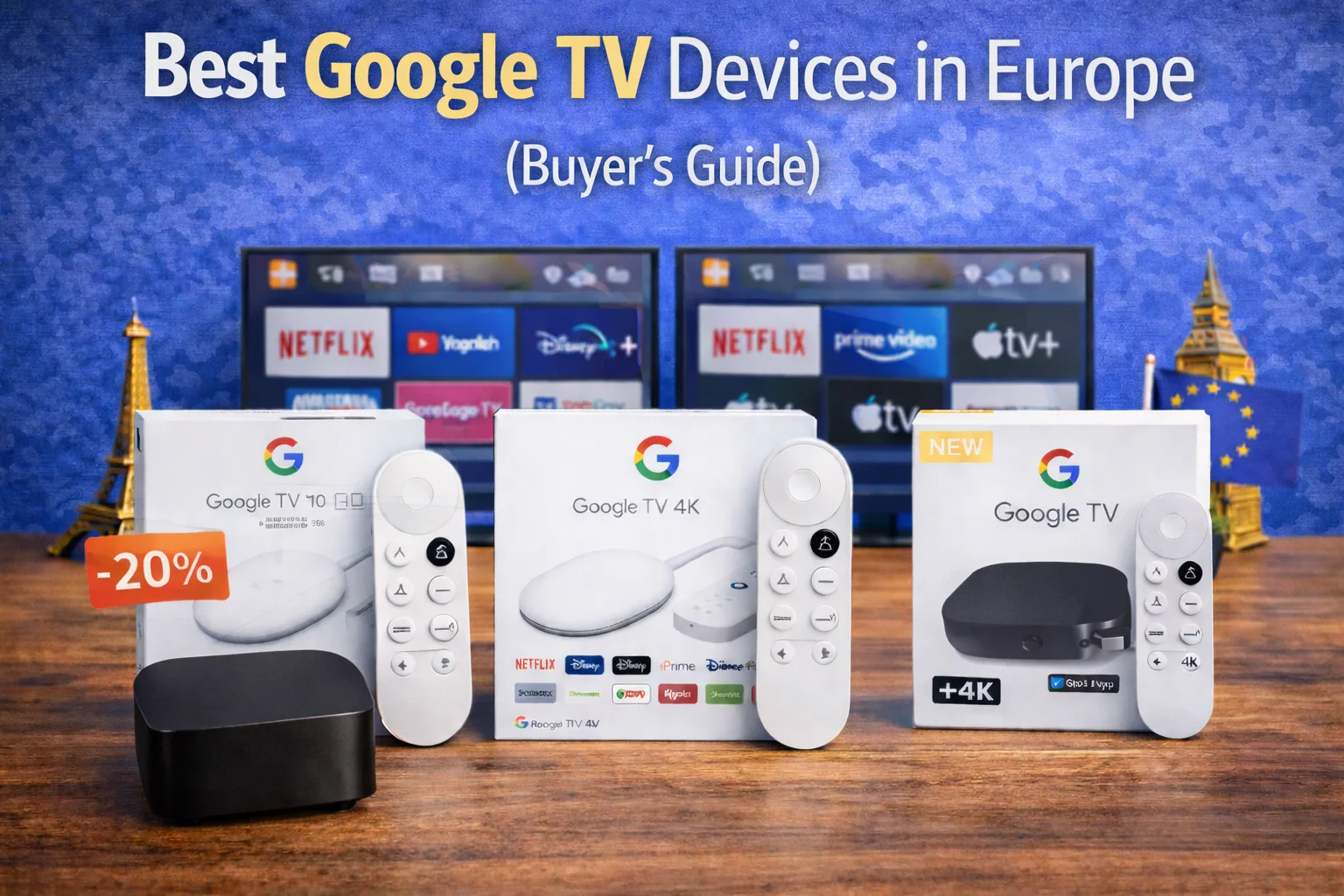
In this buyer’s guide, we compare the top Google TV devices available in the UK and EU, including Chromecast with Google TV and newer Google TV 4K streamers. We’ll break down performance, video formats, app support, and value to help you choose confidently.
📊 Quick Comparison Overview
| Device | Best For | 4K | Dolby Vision | Voice Assistant | Price Range |
|---|---|---|---|---|---|
| Chromecast with Google TV (HD) | Budget HD | No | No | Google Assistant | €30 |
| Chromecast with Google TV (4K) | Balanced 4K | Yes | Yes | Google Assistant | €50–60 |
| Google TV Streamer (4K models) | Premium | Yes | Yes | Google Assistant | €100+ |
Availability may vary slightly by country.
🏆 Best Overall: Chromecast with Google TV (4K)
For most European households, the Chromecast with Google TV (4K) is the best balance of price and performance.
It includes:
✔ 4K Ultra HD
✔ Dolby Vision
✔ Dolby Atmos
✔ Built-in Chromecast
✔ Google Assistant voice control
It’s affordable, easy to set up, and supports a wide range of apps across Europe.
💰 Best Budget Option: Chromecast with Google TV (HD)
If you only need 1080p streaming for a secondary TV, the HD version is cheaper.
However, since many TVs now support 4K, the 4K model is usually the better long-term investment.
⚡ Performance & Speed
Google TV runs on Android-based software, offering:
✔ Smooth app navigation
✔ Personalized recommendations
✔ Google Search integration
✔ Voice-based content discovery
Performance is solid, though not as fast as Apple TV’s premium hardware.
For typical streaming use, speed is more than sufficient.
🏆 Performance Verdict: Very Good
🎬 Video & Audio Quality
Most 4K Google TV devices support:
✔ 4K HDR
✔ Dolby Vision
✔ Dolby Atmos
✔ HDR10+ (depending on model)
If your TV supports Dolby Vision, Google TV devices deliver strong picture performance comparable to Fire TV.
📺 App Availability in Europe
Google TV offers excellent app coverage across the UK and EU:
Netflix
Prime Video
Disney+
Apple TV+
YouTube
BBC iPlayer (UK)
ITVX
DAZN
Rakuten TV
Spotify
Because it runs on Android TV, app availability is broad across European regions.
🏆 App Support: Excellent
🎨 Interface & Recommendations
Google TV’s interface focuses heavily on:
✔ Content discovery
✔ Personalized suggestions
✔ Watchlists
✔ Google-powered search
Unlike Fire TV (Amazon-focused), Google TV recommendations pull from multiple services more neutrally.
However, the home screen can feel content-heavy.
🏠 Smart Home Integration
Google TV integrates with:
✔ Google Assistant
✔ Google Nest devices
✔ Android smartphones
✔ Google Home app
You can:
Control smart lights
Adjust thermostats
View compatible camera feeds
For Android users or Google ecosystem households, integration is seamless.
🎮 Gaming & Extra Features
Google TV supports:
✔ Cloud gaming apps
✔ Bluetooth controllers
✔ Built-in Chromecast streaming from phone
The Chromecast feature allows instant casting from Android phones and Chrome browser.
⚖️ Pros & Cons
✅ Pros
Affordable 4K option
Dolby Vision support
Built-in Chromecast
Strong app availability
Google Assistant integration
❌ Cons
Interface more recommendation-heavy
Hardware not as powerful as Apple TV
Some lower-cost models may feel slower over time
🏆 Final Recommendation (2026)
For most European users:
👉 Chromecast with Google TV (4K) is the safest choice.
It delivers:
✔ Strong 4K performance
✔ Dolby Vision support
✔ Broad European app coverage
✔ Smart Google integration
✔ Competitive pricing
If you use Android phones or Google Nest devices, Google TV integrates naturally into your home.
🔗 Related Guides
• Chromecast with Google TV (4K) Review (2026) – Best Google TV Device in Europe?
• How to Set Up Google TV in Europe (Step-by-Step Guide for 2026)
• Google TV Tips & Tricks (2026 Hidden Features Guide)

