
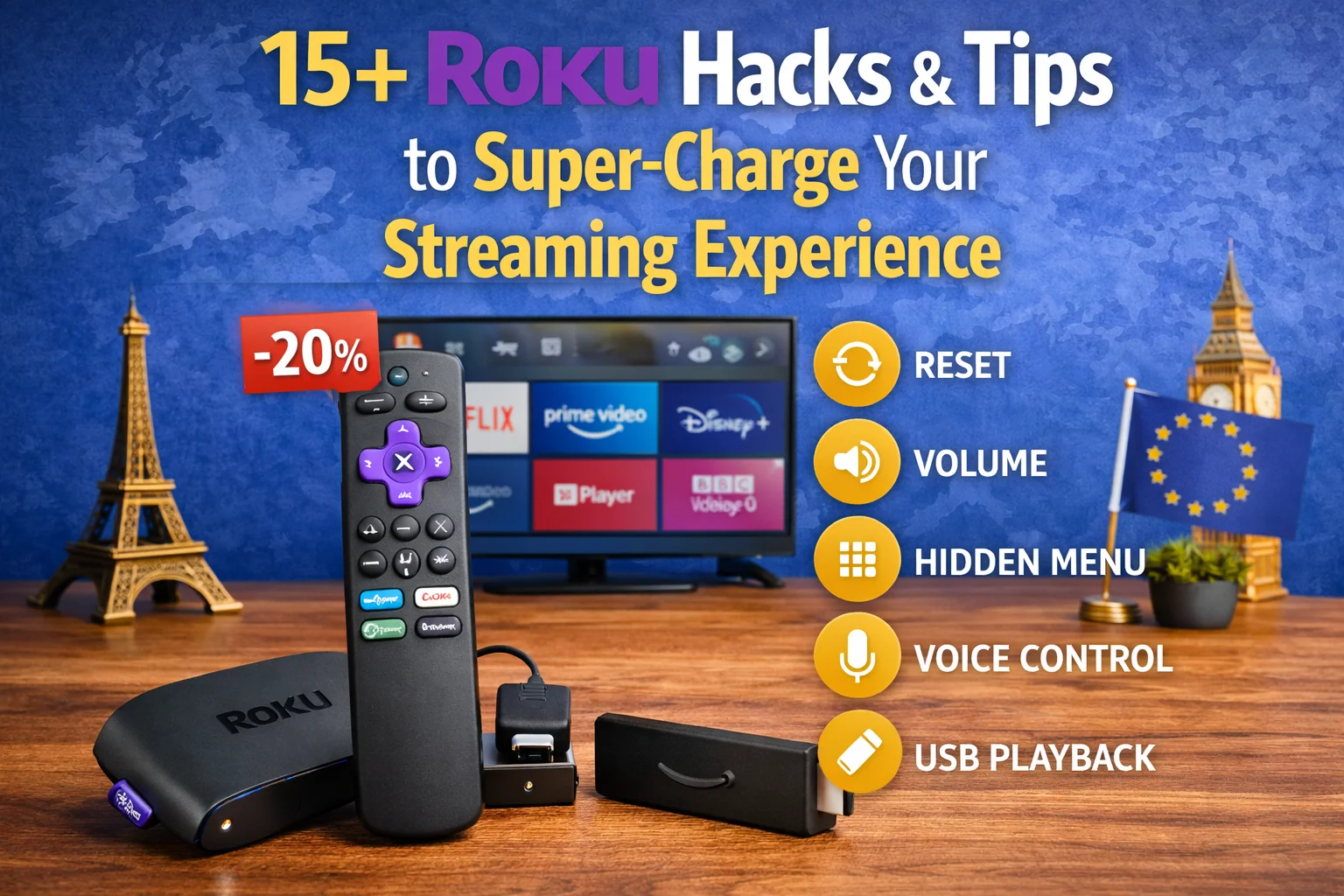
Want to get more out of your Roku? Whether you’re using Roku Express, Roku Streaming Stick 4K, Roku Ultra, or a Roku TV, these Roku hacks and tips will help you unlock hidden features, improve performance, reduce ads, and customize your streaming experience.
This guide is updated for 2026 and works for Roku users in Europe, the UK, and worldwide.
Table of Contents
Toggle🚀 1. Use Roku’s Secret Menu (Yes, It’s Real)
Roku has hidden menus that give access to advanced diagnostics.
How to Open the Secret Menu:
On your Roku remote, press:
Home ×5 → Up → Right → Down → Left → Up
You can view:
Network speed
Bitrate stats
System logs
⚠️ Don’t change advanced settings unless you know what you’re doing.
🎯 2. Speed Up Roku by Restarting Weekly
Roku devices stay fast when rebooted regularly.
Quick Restart Path:
Settings → System → Power → System restart
This clears cached memory and fixes lag.
📺 3. Install Roku Channels Not Visible in the Store
Some Roku channels don’t appear in the public Channel Store.
How:
Go to my.roku.com
Log in → Manage Account
Add channel using channel access code
Great for niche apps and private channels.
🔕 4. Turn Off Roku Home Screen Ads
Reduce clutter on your home screen.
Steps:
Settings → Home Screen → Recommendations → Hide
This makes Roku feel cleaner and faster.
🎧 5. Use Private Listening on Your Phone
Perfect for late-night streaming.
How:
Install the Roku mobile app
Connect headphones to your phone
Enable Private Listening
Works on Android & iOS.
📱 6. Use Your Phone as a Roku Remote (With Keyboard!)
Typing passwords on a TV is painful.
The Roku app lets you:
Type with your phone keyboard
Use voice search
Control multiple Rokus
⚡ 7. Improve Streaming Quality with Network Check
Check if your Wi-Fi is the problem.
Path:
Settings → Network → Check connection
If speeds are low:
Switch to 5GHz Wi-Fi
Move router closer
Use Ethernet (Roku Ultra)
🌍 8. Access Region-Locked Content (Europe Tip)
Some Roku channels vary by country.
European users often use:
Smart DNS
Router-level VPN
💡 Roku doesn’t support native VPN apps, but DNS works great.
🧹 9. Remove Unused Channels to Speed Up Roku
Too many channels slow things down.
Tip:
Delete apps you haven’t used in 30 days.
Home → Highlight Channel → * → Remove channel
🎮 10. Enable Auto-Refresh Rate (Better Picture)
For smoother playback.
Path:
Settings → System → Advanced system settings → Advanced display → Auto-adjust refresh rate
🎤 11. Use Voice Commands Like a Pro
Try saying:
“Open Netflix”
“Find action movies”
“Turn captions on”
Works with Roku Voice Remote & mobile app.
🔐 12. Add a PIN to Stop Accidental Purchases
Protect your wallet.
Path:
Settings → Payments → Require PIN
Great for families.
🖼️ 13. Enable Screensaver Shortcuts
Roku screensavers hide fun features.
Some allow:
App shortcuts
Weather previews
Hidden Easter eggs
📡 14. Use Roku’s Bandwidth Saver
Roku can auto-turn off your TV if paused.
Path:
Settings → Network → Bandwidth saver
Saves data and power.
🧠 15. Check Roku’s System Update Manually
Don’t wait for automatic updates.
Path:
Settings → System → Software update → Check now
🔄 16. Factory Reset (Last Resort Fix)
If Roku becomes unusable:
Settings → System → Advanced system settings → Factory reset
Use only if all else fails.
🏆 Bonus Tips for European Roku Users
Set your Roku account region carefully
Use Amazon EU for better device availability
Smart DNS works better than VPNs for Roku
Roku Express 4K offers the best value in Europe
📌 Final Thoughts: Is Roku Worth Mastering?
Absolutely.
Roku’s simplicity hides a lot of powerful features. With these Roku hacks and tips, you’ll:
Stream faster
Reduce ads
Unlock hidden tools
Get more value from your device
🔔 Stay Updated
This guide is regularly updated with:
New Roku OS features
Hidden menus
Performance improvements
📌 Bookmark Streamly Codex for Roku tips, streaming hacks, and weekly deals.

